Airalo vs Holafly in Thailand: The Best Travel eSIM for Families
We compare Airalo and Holafly for Thailand from the perspective of a family running several devices and a school day, not a two-week solo trip — and explain why the honest long-stay answer is neither of them.
 By Fabrizio Bestoso · · 16 min read
Transparency note: this guide contains affiliate links. If you sign up or buy through one, we may earn a commission at no extra cost to you — we only recommend services we use with our own family. Full details in our affiliate disclosure.
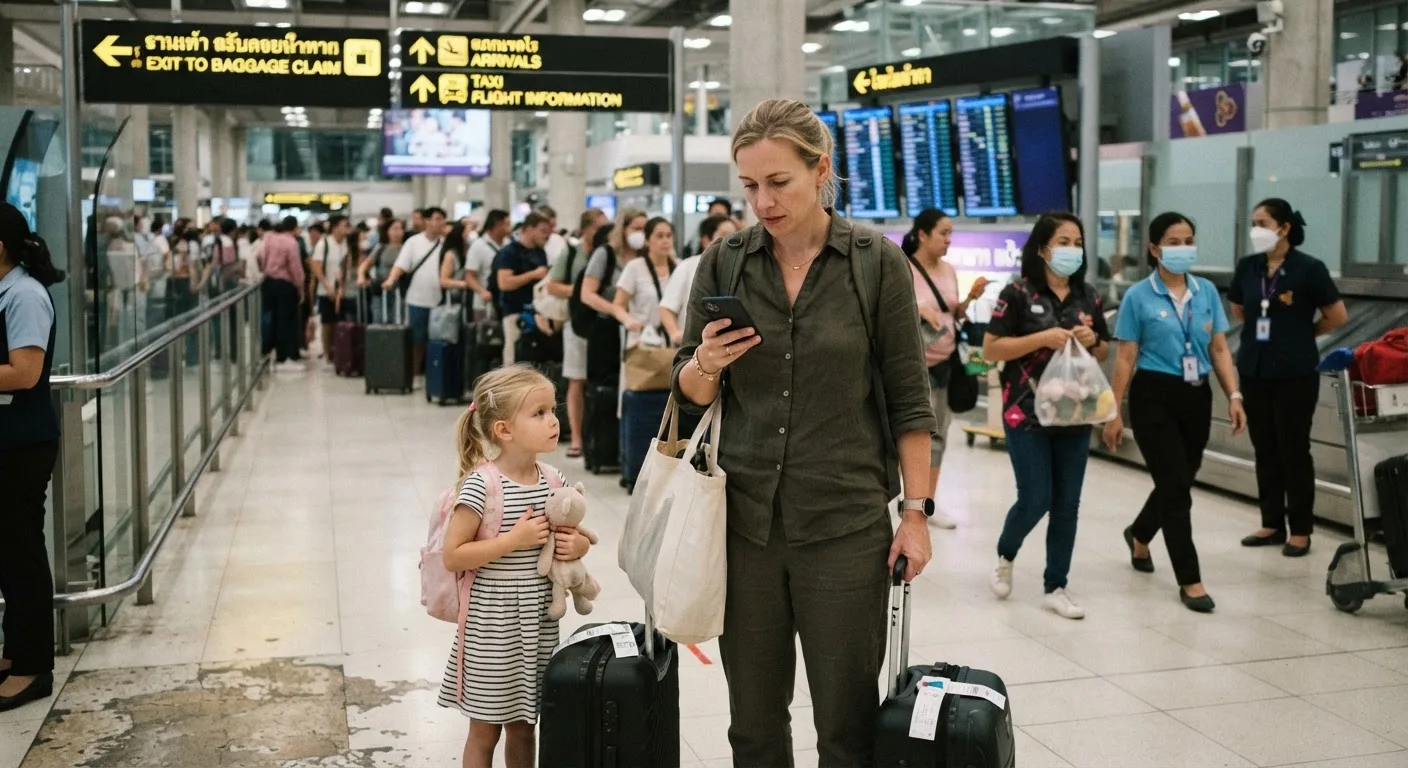
We have landed in Thailand enough times to know exactly how the first hour goes. Immigration takes longer than it should, our child is somewhere between asleep and feral, we need to find a car, confirm an address for the driver, and get a message to whoever is waiting for us — and the airport wifi wants a local phone number we do not have yet just to let us past the captive portal. A working data connection before we clear the doors is not a convenience on these trips. It is the thing that makes the rest of the day possible.
Some of the links in this guide are affiliate links, and we may earn a small commission if you buy through them, at no extra cost to you. That does not change what we recommend — including, later in this piece, the recommendation to stop using either travel eSIM once you are settled.
For most families landing in Thailand, Airalo is the better buy: capped plans are far cheaper per gigabyte, hotspot use is permitted, and you can put a small plan on each device. Holafly makes sense only for short, heavy, single-device use — and its hotspot cap makes it a poor fit for anyone tethering a laptop. If you are staying more than a few weeks, buy a travel eSIM for the first few days and switch to a local Thai SIM with a real Thai number once you have an address.
| Airalo | Holafly | |
|---|---|---|
| Plan structure | Capped data tiers plus an unlimited option | Unlimited only, priced by number of days |
| Approximate price (mid-2026, verify before buying) | From around $4.50; 10GB roughly $10–11; unlimited around $31 for 10 days | Roughly $3.90–$7 per day; a 30-day plan around $74.90 |
| Hotspot / tethering | Generally permitted — confirm current terms on Airalo's own site before relying on it | Commonly capped around 500MB per day on unlimited plans — confirm on Holafly's site |
| Networks used in Thailand | AIS and True | True and dtac (now merged into True) |
| Thai phone number included | No — data only | No — data only |
| Best fit | Multiple devices, laptop tethering, budget-conscious families | Short trip, single device, heavy phone-only use, willing to pay for simplicity |
What an eSIM Actually Is (and the One Thing That Breaks It)
If you have not used one before, the short version is this: an eSIM is a digital SIM profile that lives inside your phone's settings rather than a physical card in a tray. You install it by scanning a QR code or through the provider's app, it sits alongside your home SIM without replacing it, and you switch on its data line when you land. There is no shop counter, no tiny plastic card to lose in a diaper bag, and no swapping trays with a paperclip in an airport bathroom.
The catch is compatibility, and it is the single most common way this goes wrong for a family. Not every phone supports eSIM, and the phone most likely to fail the test is not yours — it is the hand-me-down device your child has been using for a year, or an older model bought secondhand for exactly this trip. Some region-locked handsets, particularly certain models sold in the US and China, do not support eSIM at all even when the same model elsewhere does. Check every device in the family, including the kids' phones and tablets, before you fly — not after you land and discover the profile will not install.
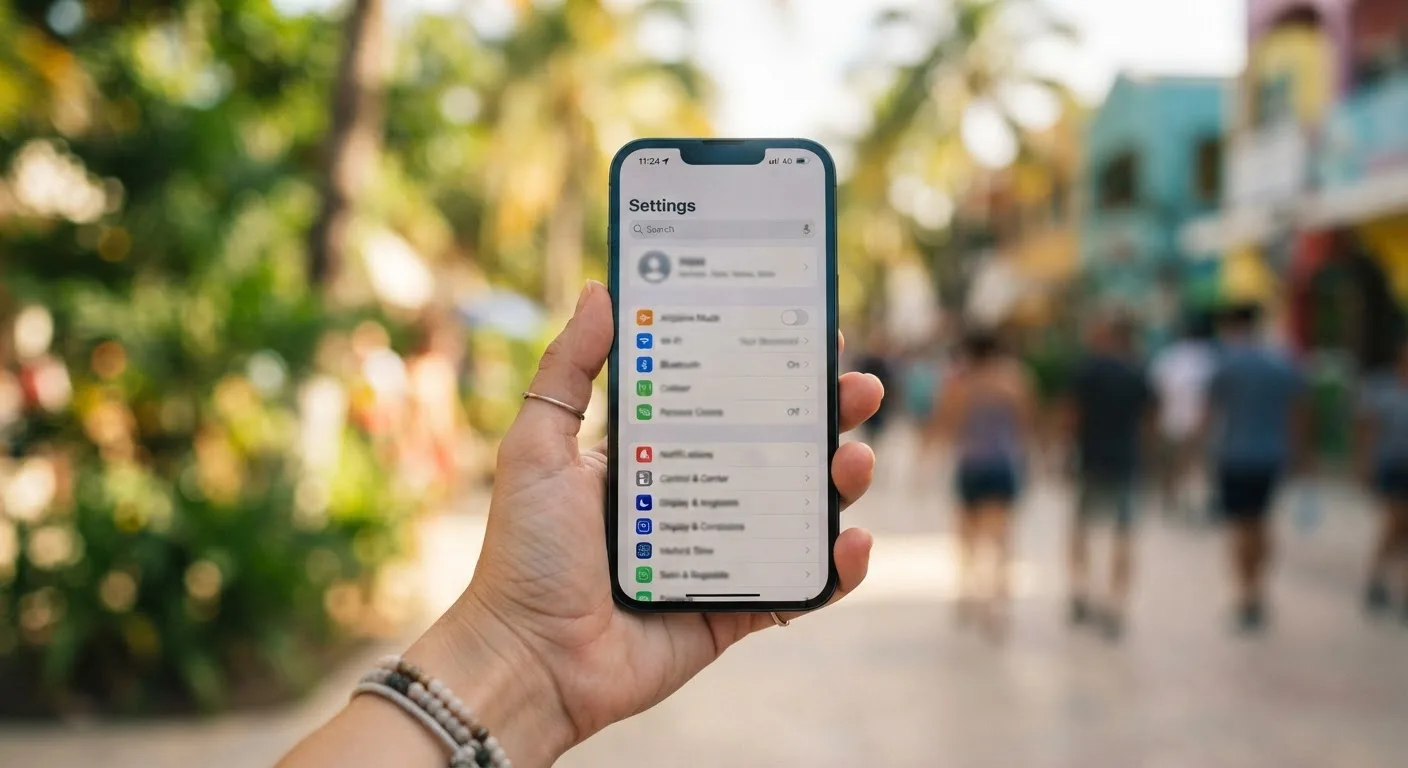
The setup rule that saves the whole day is simple: install and configure the eSIM profile before you leave home, and only activate the data line once you land. Installing a profile requires an internet connection, and the airport wifi captive portal that wants a phone number is exactly the connection you will not have. Do this at home, on your home wifi, with the QR code saved somewhere you can find it without data.
Note: A profile that is installed but not yet activated does nothing to your existing service. You can safely set up both Airalo and Holafly ahead of time and decide which one to switch on once you are through immigration.
Airalo Thailand: The Better Default for Families
Airalo sells Thailand plans as a set of capped data tiers — small amounts for a short trip, larger ones for longer stays — plus an unlimited tier with a daily high-speed allowance before it throttles. It also sells regional Southeast Asia plans that cover Thailand alongside neighboring countries, which matters if your trip is a loop through Vietnam, Laos, or Malaysia rather than a single stop.
As of mid-2026, and this will move, capped plans start from around $4.50 for a small allowance, with 10GB running roughly $10–11. The unlimited tier is priced closer to $31 for 10 days and somewhere in the $35–49 range for 30 days, with a daily high-speed cap commonly cited around 3GB per day before speeds drop. Treat every one of those numbers as a snapshot to verify on Airalo's own pricing page before you buy, not a fixed rate.
Hotspot use is generally permitted on Airalo's Thailand plans, which is the detail that makes it usable for a family rather than just a single phone. Confirm the current wording on Airalo's site before you rely on it for a work call, since terms do shift.
Where it falls short: the unlimited tier still throttles hard once you cross the daily threshold, and the data-only plans carry no calling or SMS, so you will need a separate way to make a phone call if one comes up. For most families running several devices on a budget, Airalo is the cheaper, more flexible starting point.
Holafly: What the Premium Actually Buys
Holafly takes a different approach entirely: every Thailand plan is unlimited, priced purely by how many days you want, with no capped tier at all. The appeal is real — you buy a number of days, install it, and never think about a data meter again. For a parent traveling solo with one phone and a short trip, that mental overhead being gone is worth something.
Approximate mid-2026 pricing runs roughly $3.90 to $7 per day depending on the length you choose, with a 30-day plan landing around $74.90. As with Airalo, check Holafly's current pricing before buying — these bands move.
Here is the fact that decides whether Holafly works for your family: reporting in 2026 indicates its unlimited plans cap hotspot and tethering data, with a figure around 500MB per day widely cited. If your plan involves tethering a laptop for client calls or a child's lesson platform, that cap turns "unlimited" into something closer to unusable within the first hour of a work morning. Verify the exact current figure directly on Holafly's site, since a policy this important should never be taken on secondhand authority — including ours.
"Unlimited" on Holafly, as on Airalo, also means full speed up to a daily threshold and throttled speeds after it. Throttled data is fine for messaging and maps and will genuinely frustrate a video call or a large file upload. Holafly's honest fit is a short trip, heavy phone-only use, and a traveler happy to pay a premium specifically to avoid thinking about data — not a family tethering a laptop for a full working day.
The Family Setup: How Many Plans Do You Actually Need?
Here is the question almost every comparison article skips because it is written for one person with one phone. A working family on the road usually has two adult phones, a child's device, maybe a tablet, and one or two laptops that need to get online somehow. That is four to six things wanting a connection, on the same morning that a client call and a school session are both due to happen.
There are really only two workable architectures.
| Approach | How it works | Best for | Main risk |
|---|---|---|---|
| One small plan per phone | Each phone carries its own capped Airalo plan; laptops connect to accommodation wifi and cafés, not hotspot | Families staying somewhere with reliable fixed wifi most days | Laptops have no connection when wifi is down or you're between accommodations |
| One large hotspot plan | A single phone runs a large data allowance and tethers everything else | Travel days, transit, places with weak fixed wifi | Battery drain, and everything goes dark the moment that phone leaves the room or dies |
We generally run the first arrangement: a small capped Airalo plan on each adult phone, our child's device on the lightest tier since it mostly needs messaging and a couple of apps, and laptops on accommodation wifi as the primary connection with hotspotting kept as a fallback rather than the daily plan. It costs slightly more in plan count but removes the single point of failure that comes with tethering everything from one device.
How much of this you actually need shifts with the school day. A child doing asynchronous, largely offline coursework needs very little live bandwidth — occasional uploads, not sustained video. A child in live video lessons needs a stable, unthrottled connection at a specific hour, which changes the calculus on which plan and which network that device should be running. We've written up exactly how a work-and-school day fits together in our worldschooling daily schedule, which is worth reading before you decide how many plans to buy.
Pro-Tip: Whichever architecture you choose, keep one connection alive on a different network from the rest — a second eSIM, a spare SIM, anything. One dead or drained phone should never be able to take out both the client call and the school session at the same time.
Coverage Reality Across Thailand
We will say plainly what most comparison pages will not: coverage is not the thing that decides between Airalo and Holafly. Airalo runs on AIS and True, Holafly on True and dtac, which has now merged into True. All three of Thailand's major networks perform well in Bangkok, Chiang Mai, Phuket, and essentially every place a nomad family is likely to base itself. Anyone telling you one provider has meaningfully better coverage in those places is inventing a story to fill a page.
Coverage does thin out in specific places — smaller islands off the beaten track, mountainous districts outside Chiang Mai's city limits, and rural inland areas between the main tourist routes. If your family is heading somewhere like that, download offline maps in advance and don't assume a lesson or a call will go through on schedule.
The choice between our two main family bases has its own connectivity texture worth knowing before you commit to one for months, which we cover in Chiang Mai vs Phuket for nomad families. More generally, once you're settled anywhere in Thailand, fixed fiber internet in a rental apartment or house is usually excellent and inexpensive by international standards. For a family staying put, that fiber connection should be the primary connection, with mobile data — travel eSIM or local SIM — as the backup for days it drops or you're out and about.
Staying Longer: When to Switch to a Local Thai SIM
Past the first few weeks, the honest recommendation changes, and we want to say it plainly rather than bury it under affiliate tables: a local Thai SIM or eSIM is both cheaper and more useful than continuing to run either travel eSIM.
The real reason is not the price, though that helps. It's the phone number. A Thai number is what ride-hailing and food delivery apps expect during account setup, what restaurants and clinics ask for when you book, what PromptPay and Thai bank accounts are tied to, and what a landlord or your child's activity group will actually use to reach you. A travel eSIM is data-only by design — it gives you a connection but no number, which quietly locks you out of a layer of daily life in Thailand that a family staying months will bump into constantly.
Buying a local SIM or eSIM requires your passport for registration, whether you do it at an airport counter, a carrier shop in a mall, or online before you go. Airport counters tend to sell tourist packages aimed at short stays; once you have a longer-stay visa and a fixed address, standard local plans usually work out cheaper and can be worth switching to. If you're planning a stay long enough for this to matter, it's worth reading our DTV visa guide for families alongside a realistic look at the real cost of living in Thailand for a nomad family, since the visa timeline and the SIM decision tend to land at the same point in the trip.
The hybrid that actually works for us: keep a travel eSIM profile installed as a dormant backup on a different network, and run the local Thai SIM as the primary line day to day. If one network has a bad day, the other is one tap away.
Warning Note: Do not cancel or let your home-country phone number lapse once you switch to a local SIM. Two-factor authentication for banks, insurers, and airline accounts is very often tied to that number, and recovering access to it from abroad — after it's been recycled by your home carrier — is genuinely painful and sometimes impossible.
The Landing-Day Checklist
The night before you fly, work through this in order:
| Step | Do this |
|---|---|
| 1 | Check every family device supports eSIM, including kids' phones and any secondhand handsets |
| 2 | Buy and install both providers' profiles at home, on home wifi, without activating the data line |
| 3 | Label each profile clearly by device and provider so you don't confuse them at the airport |
| 4 | Screenshot the QR codes and activation instructions in case the app itself needs data to open |
| 5 | Note the APN settings for each provider in case manual entry is needed |
| 6 | Turn off data roaming on your home SIM so it doesn't rack up charges the moment you land |
| 7 | Know exactly which profile activates on landing and which stays dormant as backup |
In the first hour after landing: switch on airplane mode, turn the new eSIM's data line on and select it as the primary data line for that device, confirm data roaming is enabled specifically on the new eSIM (not the home SIM), and send one test message before you leave the arrivals hall.
If it doesn't work, it's almost always one of three things: the profile is installed but the phone is still routing data through the old SIM instead of the new line; data roaming is switched off specifically on the eSIM even though it's on for the device; or the network needs an APN entered manually rather than picked up automatically. All three are two-minute fixes once you know to look for them.
Frequently asked questions
What is the best eSIM for Thailand in 2026?
For most families running multiple devices, Airalo is the better default: its capped plans are cheaper per gigabyte and it generally permits hotspot use. Holafly suits a short trip with one phone and heavy data use where simplicity matters more than price. Neither beats a local Thai SIM for stays of more than a few weeks.
Airalo or Holafly — which is cheaper for Thailand?
Airalo is materially cheaper for most usage patterns, since its capped plans let you pay only for the data you need, and even its unlimited tier undercuts Holafly. Holafly's unlimited-only pricing, around $3.90–$7 per day, buys simplicity rather than more usable data. Always check current prices before buying, as both change frequently.
Can I use a hotspot with Holafly in Thailand?
Reporting in 2026 indicates Holafly caps hotspot and tethering data on its unlimited plans, with a figure around 500MB per day widely cited. That is enough for light browsing but not for tethering a laptop through a work call or a live lesson. Confirm the exact current figure directly on Holafly's website before relying on it.
Do Airalo or Holafly give me a Thai phone number?
No. Both are data-only travel eSIMs and neither includes a Thai phone number. If you need one — for ride-hailing apps, deliveries, bookings, PromptPay, or bank verification — you need a local Thai SIM or eSIM purchased with your passport, which is a separate product from either travel eSIM.
How much data does a family need in Thailand?
It depends heavily on the school day: asynchronous, mostly offline coursework uses very little data, while live video lessons need a stable connection during specific hours. As a rough guide, a capped 10GB plan per phone covers messaging, maps, and browsing comfortably; laptops tethering for work or live classes need far more, or fixed wifi instead.
Can I buy an eSIM after I land in Thailand?
Yes, in theory, using airport wifi or a small amount of data from your home SIM's roaming — but this is the arrangement most likely to fail at the worst moment. Install and configure the profile before you fly, on your home wifi, and simply activate it once you land.
Is a local Thai SIM cheaper than a travel eSIM?
Usually, yes, especially for stays longer than a few weeks, and it comes with a real Thai number that travel eSIMs don't provide. The trade-off is that buying one requires passport registration in person or through a local process, rather than the instant install of a travel eSIM.
Do these eSIMs work on a child's older phone?
Not necessarily. eSIM requires a compatible, unlocked device, and some older models or phones sold in certain regions — the US and China notably — do not support eSIM even when the same model does elsewhere. Check every family device, especially hand-me-downs, before you fly, not after you land.
What We Actually Do Now
Our current arrangement is a small capped Airalo plan installed on each adult phone before we fly, activated the moment we clear immigration, with laptops running on accommodation wifi as the primary connection rather than a hotspot from day one. Once we have an address and a bit of settled time, we buy a local Thai SIM for the phone number alone and keep the Airalo profile dormant as backup on a different network.
The mistake we made early on was buying a single Holafly unlimited plan for one parent's phone and planning to hotspot both a laptop and a tablet from it through a full work morning — only to find the connection unusable by mid-morning once the hotspot cap kicked in, with a client call still to make and no backup plan installed on any other device.
Both providers' prices and fair-use terms change often enough that anything specific in this guide should be treated as a starting point, not a final answer — check current terms on each provider's own site before you buy.
Sources
Written by Fabrizio Bestoso
Fabrizio Bestoso is a digital entrepreneur and the father of a family that lives and works on the move across Thailand, Asia, Spain and Middle East. He started Nomad Family Hub to turn the logistics his own family works through — the DTV visa, health insurance, multi-currency money, distance schooling, work — into step-by-step guides, each checked against official sources and against what actually happened.